
If you're having issues with the League of Legends Tutorial, you've come to the right place.
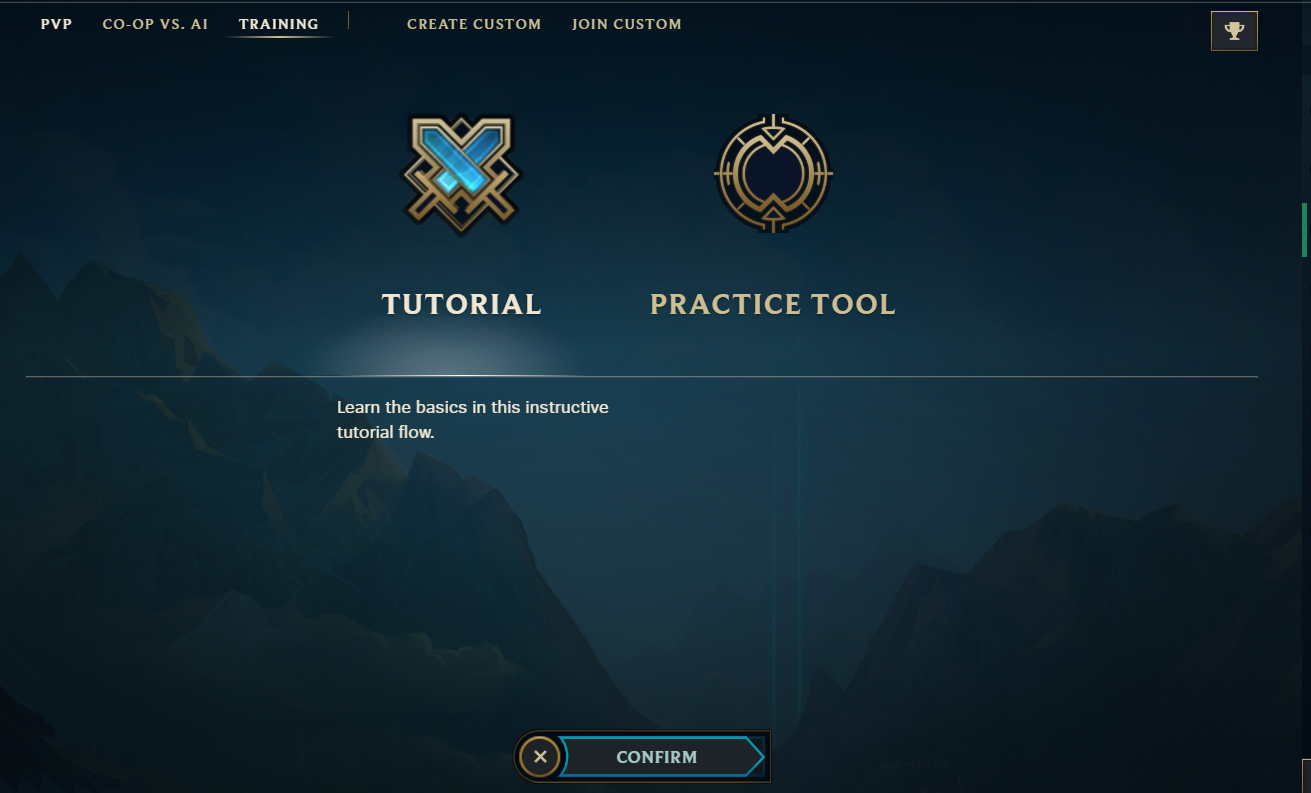
To access the Tutorial, click the Play button in the upper left corner, go to Training, then select Tutorial, as shown below.
Common Issues
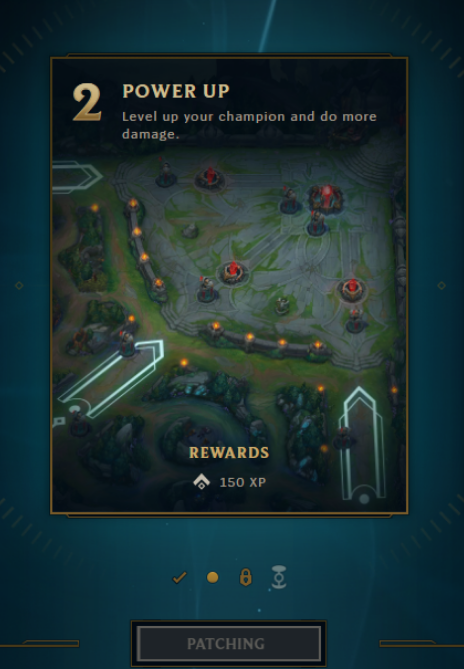
- When selecting the Tutorial options, a grayed out Patching button appears, making it impossible to enter the game
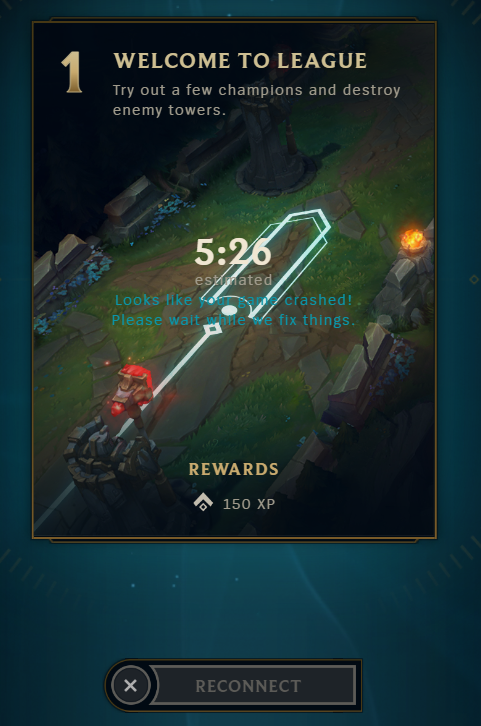
- After clicking the Play button, the game crashes and you get stuck in the Tutorial selection screen
Quick Fixes
Patching Error
If you get the “patching” error, it's possible that the game got stuck during an update (this usually happens on a patch day, or if you haven't downloaded the latest version of the game). To fix it, you need to close the game directly from the Task Manager:
- Press Ctrl + Alt + Del, then select the Task Manager option
- Right-click any League of Legends and Riot Client options, then select the “End task” option
Launch the game, and you'll see the update bar progress in the League Client. Once it's finished, you're good to go!
Game Crash Error
Game crashes are often related to the graphic card drivers your device has, and to fix it usually means to either:
- Update your drivers
OR
- If an update caused the issue, rollback your drivers to a previous compatible version
Not sure what to do? See our guide on updating graphics drivers.
Need More Help?
If none of the above points helped, please Submit a Request to Player Support with Logs gathered from our Riot Repair Tool, and we'll do everything we can to help you get back in the game.
